


Our table is ready - now let's add some data!
In the previous session, we created our first PostgreSQL table and learned about columns, data types and constraints.
But our table is still empty.
In this session, we'll learn how to add data to our table using INSERT and then retrive it using SELECT.
We will start by addins single user, then learn how to insert multiple rows at once.
We'll also see how POSTGRES handles DEFAULT values and what happens when we don't provide a value for every column.
Once we have some datain our table, we'll use SELECT to display and inspect our records.
By the endof this session, we'll have a table that actually contains data - and we'll know how to put information into it and it back out again!
So let's start by adding our first user!
Let's execute our query by clicking the Execute button or pressing F5.
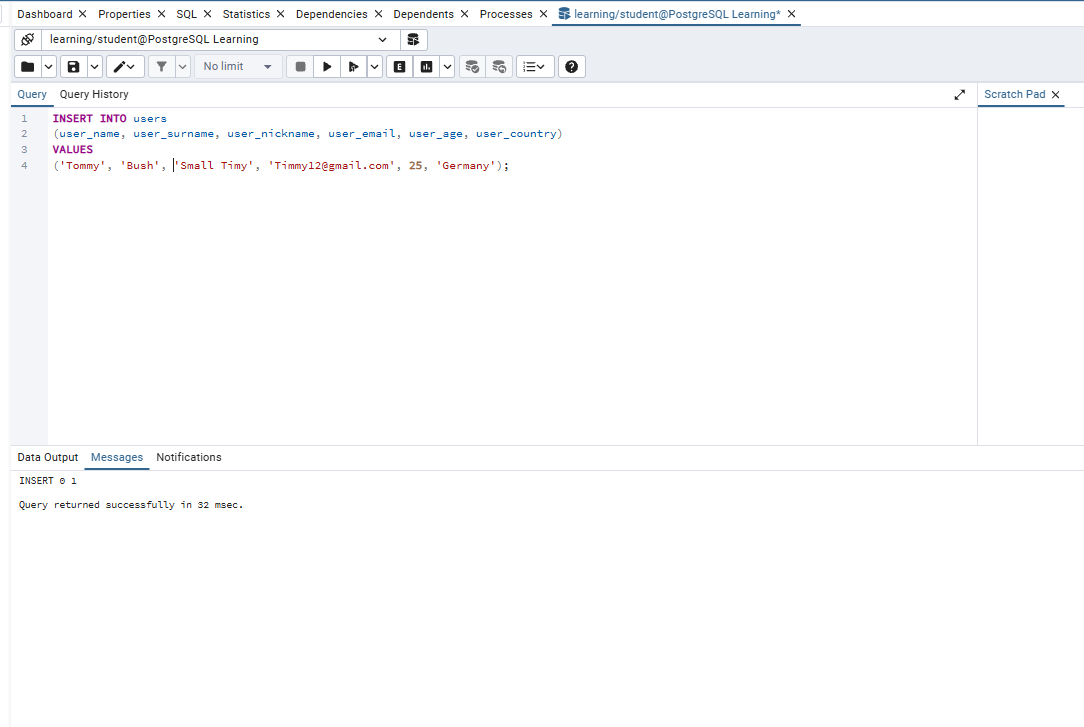
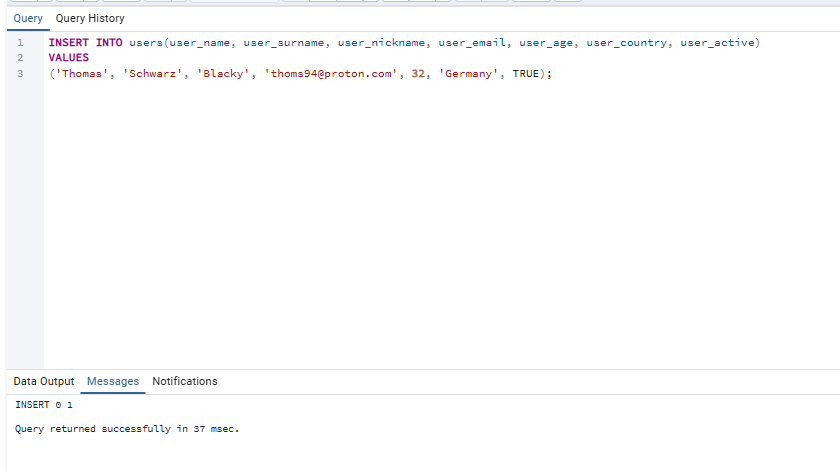
If the query is executed successfully, PostgreSQL will confirm that the row was inserted into the table.
The message:
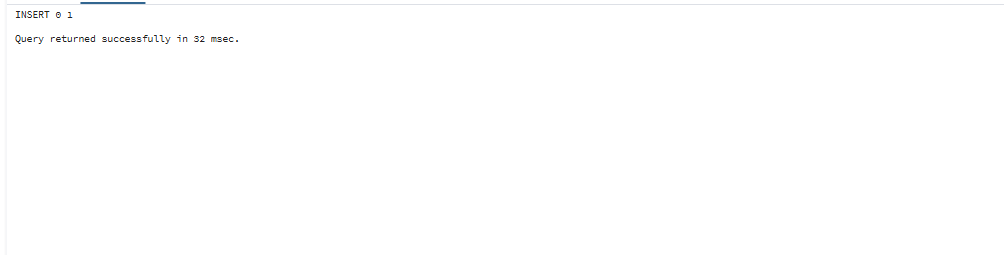
It means that one row was successfully inserted into our users table.
But how can we check our data?
After inserting our first user, we need a way to see the data stored in our table.
This is where SELECT statement comes in.
Let's start with the simplest possible query:
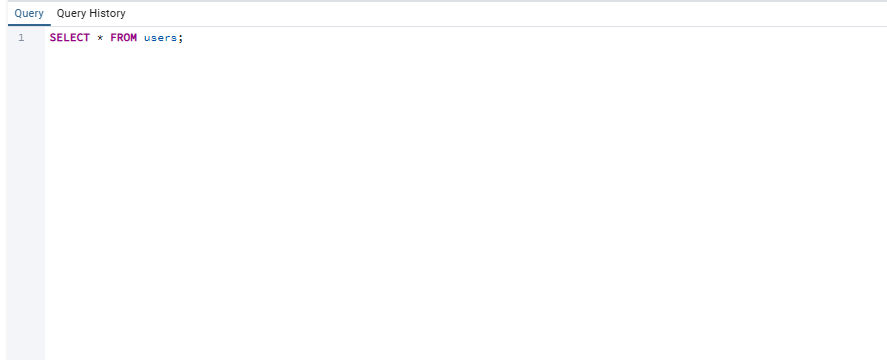
What does this query do?
SELECT is used to retrieve data from a table.
The * means:
select all columns.
And:
FROM users;
tells PostgreSQL which table we want to read the data from.
So the query:
SELECT * FROM users;
basically means:
"Show me everything from the users table."
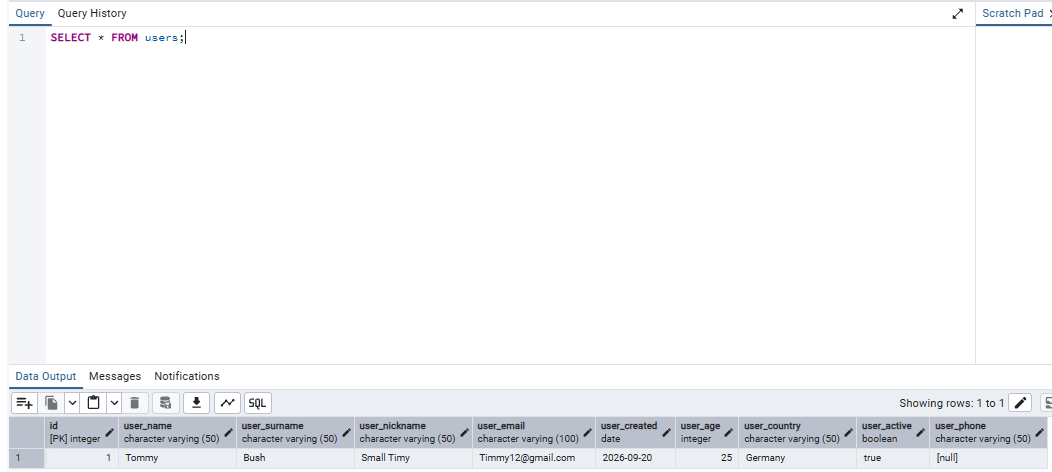
After executing it, PostgreSQL will display all rows and all columns currently stored in the table.
Here is the proof:
Let's break it down
SELECT *
We tell PostgreSQL that we want to retrieve all columns.
FROM users;
We tell PostgreSQL that the data should come from the users table.
So the basic structure is:
SELECT <all columns>
FROM table;
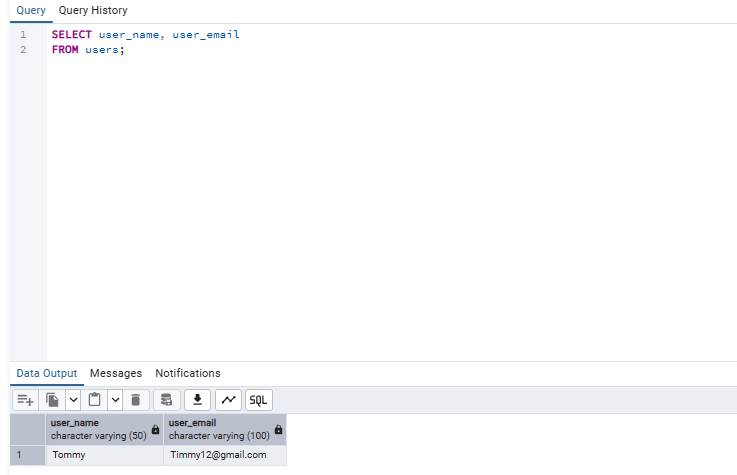
For example, if we only want to see the usernames and emails:
SELECT user_name, user_email
FROM users;
Now PostgreSQL will return only those two columns, instead of the entire table.
To practice it let's add another example:
And let's fast check it out:
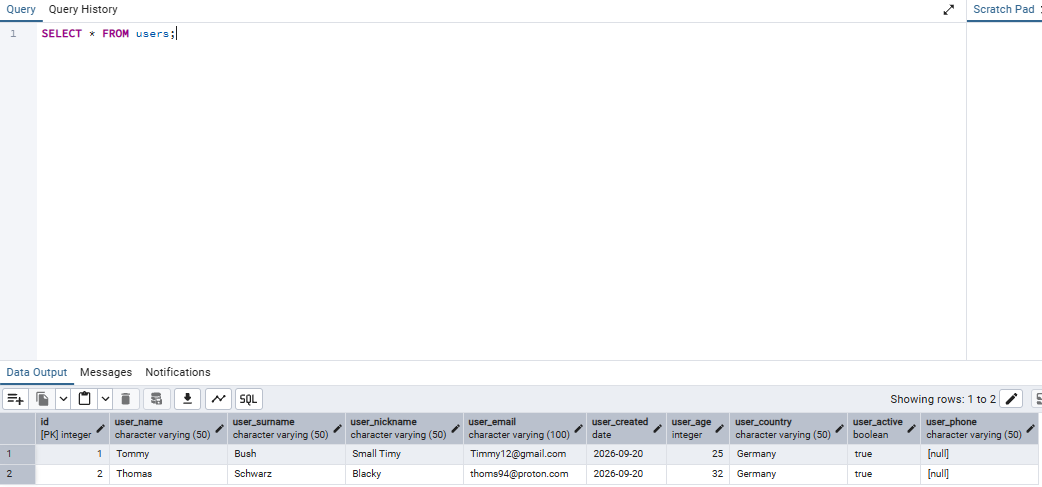
As you can see, everything is working correctly!
What did we learn?
In this session, we learned how to add and read data in PostgreSQL.
We used INSERT INTO to add new rows to our table and SELECT to retrieve the data we stored.
We also learned how to:
- insert a single row
- specify which columns we want to fill
- insert multiple rows
- use
DEFAULTvalues - retrieve all columns with
SELECT * - retrieve only specific columns with
SELECT
Our table is no longer empty — we can now put data into it and read it back.
And this is where things start getting interesting.
In the next session, we'll learn how to filter our data and find exactly the records we're looking for.